Release: January 2026
Matching Discrepancy Task
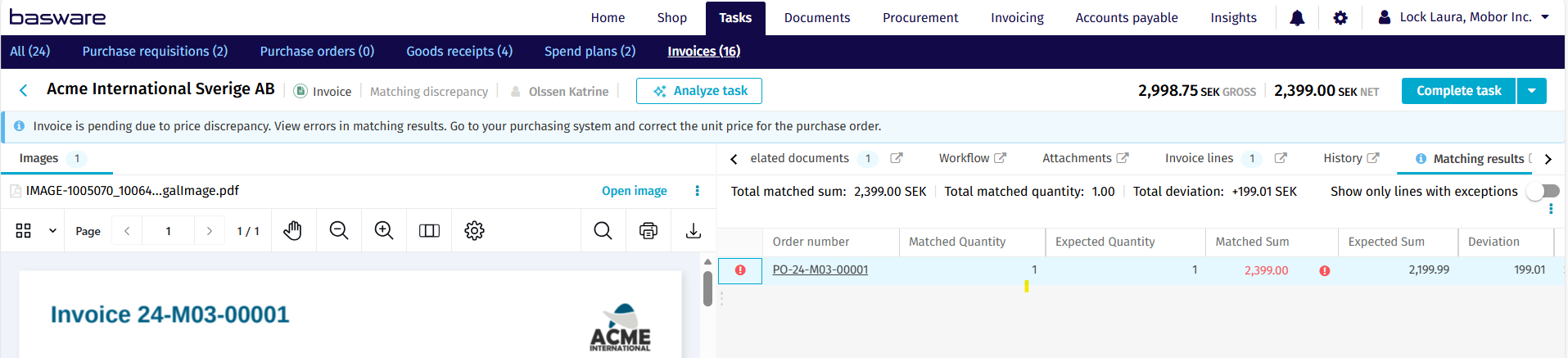
A matching discrepancy task is triggered when an invoice fails to match its corresponding purchase order or receipt within defined tolerances. It serves as a control point to review and resolve mismatches before the invoice can continue through the workflow.
Completing a task
Originally, the matching discrepancy task was designed to end automatically when the purchase order was updated. Now, you can configure the process to require explicit user completion before the invoice exits the matching discrepancy stage and moves forward.
This parameterization emphasizes a review action. Importantly, completing the task does not restrict the same user from reviewing or approving the invoice later in the process.