Release: May 2026
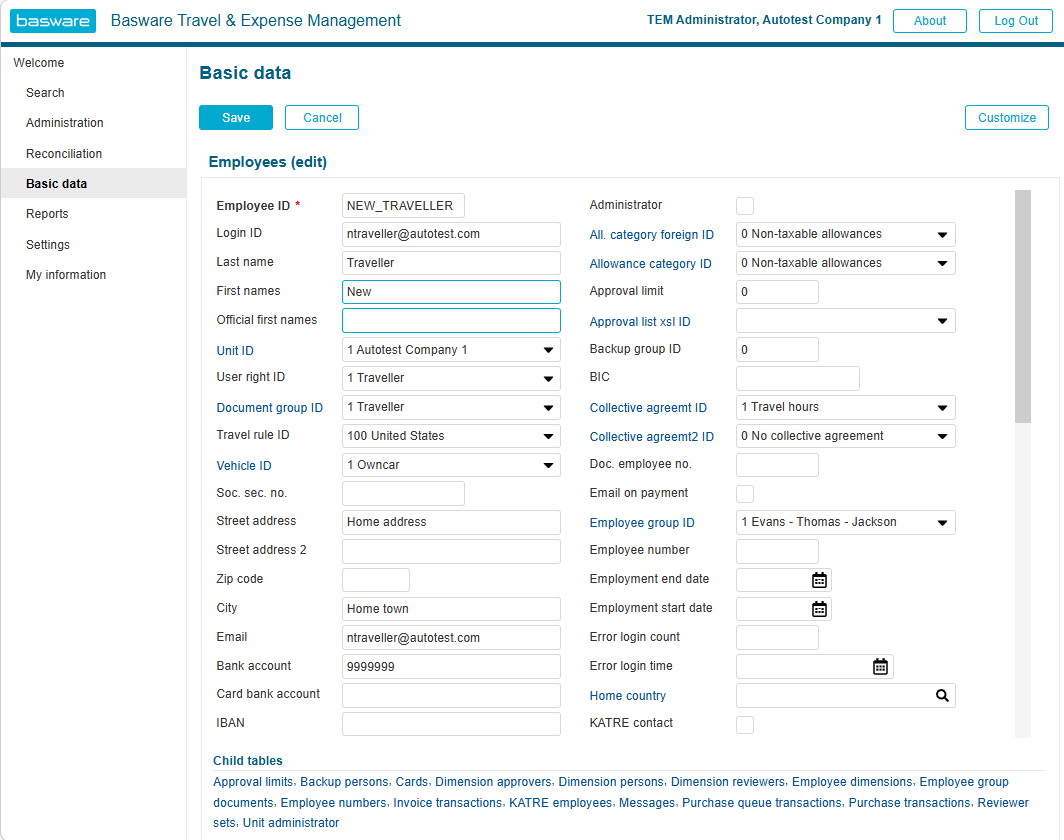
Users can now create new employees by copying basic data from an existing employee.
When creating a new employee by duplication:
- Personal data is not copied.
- An employee number is created from the number series, if number series is in use.
- The employee is added as a new employee dimension, if the source employee was opened as a dimension.
- Employee dimensions are created based on the source employee.
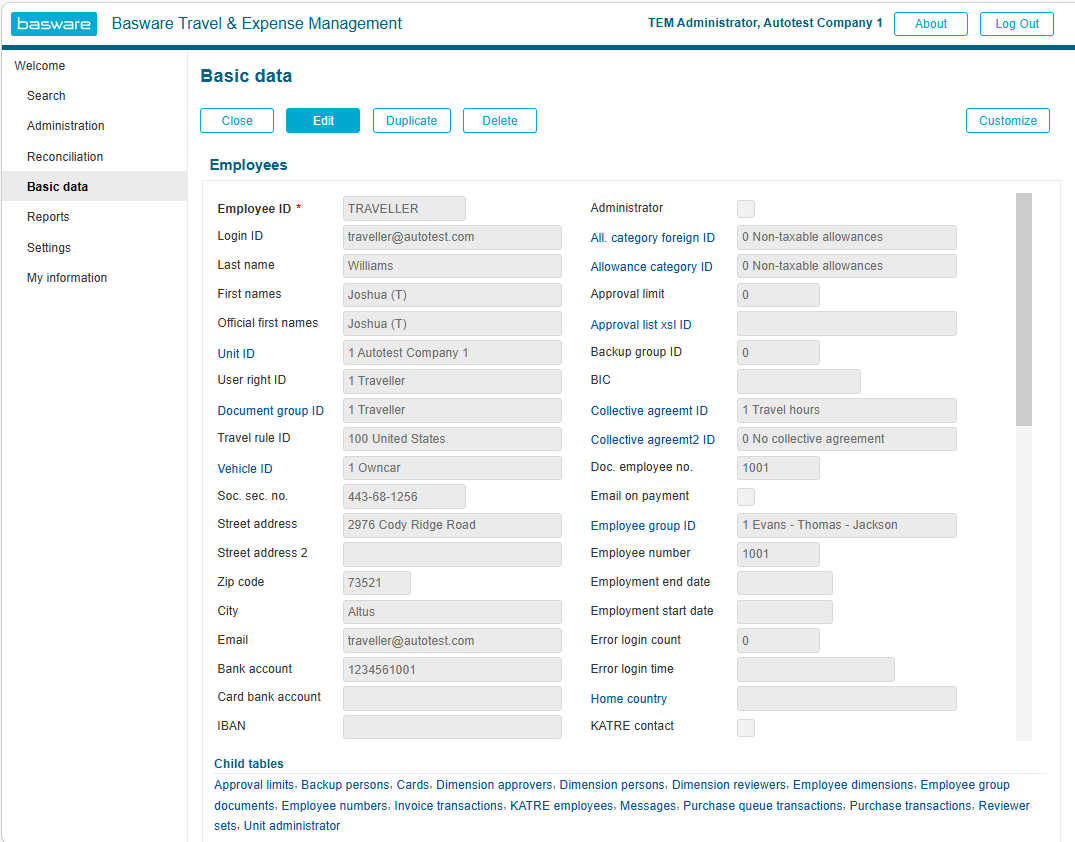
To create a new employee:
- Select Basic data and open Employees.
- Select the employee whose data you want to copy.
- Click Duplicate to create a new employee.
A new employee is created. Fill in the missing personal data, such as employee ID, login ID, employee’s names, address, email, bank accounts, and social security number.
If the duplicated employee had an employee dimension defined, the new employee also receives the relevant employee dimension. These dimensions must be reviewed.