Release: March 2026
The authentication solution is updated to align with Basware branding and improve user experience.
Why it matters
Basware Access's interface and flow evolved over time with added functionalities to meet immediate needs. This growth led to some inconsistencies in the visual user experience.
What’s new
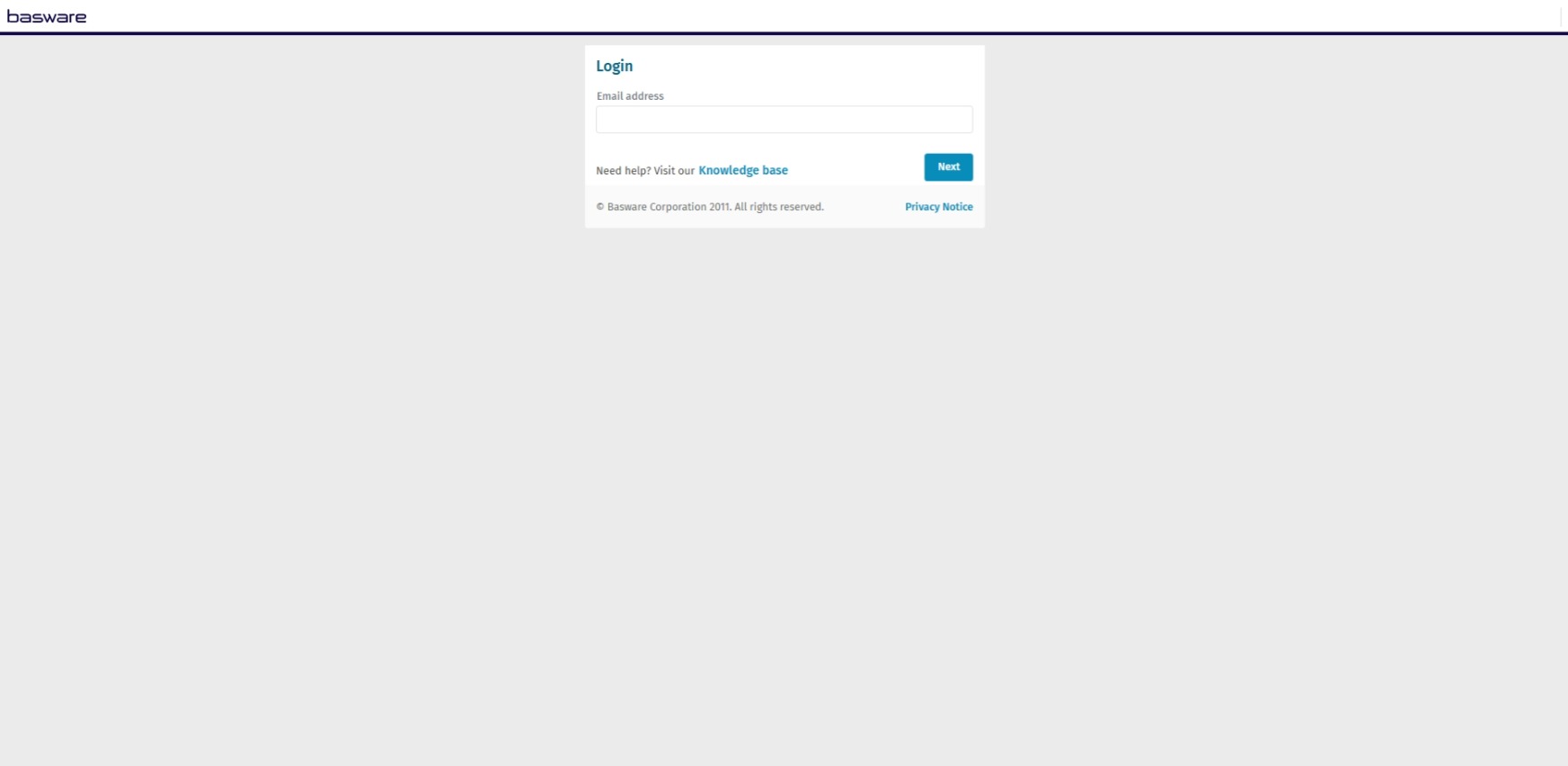
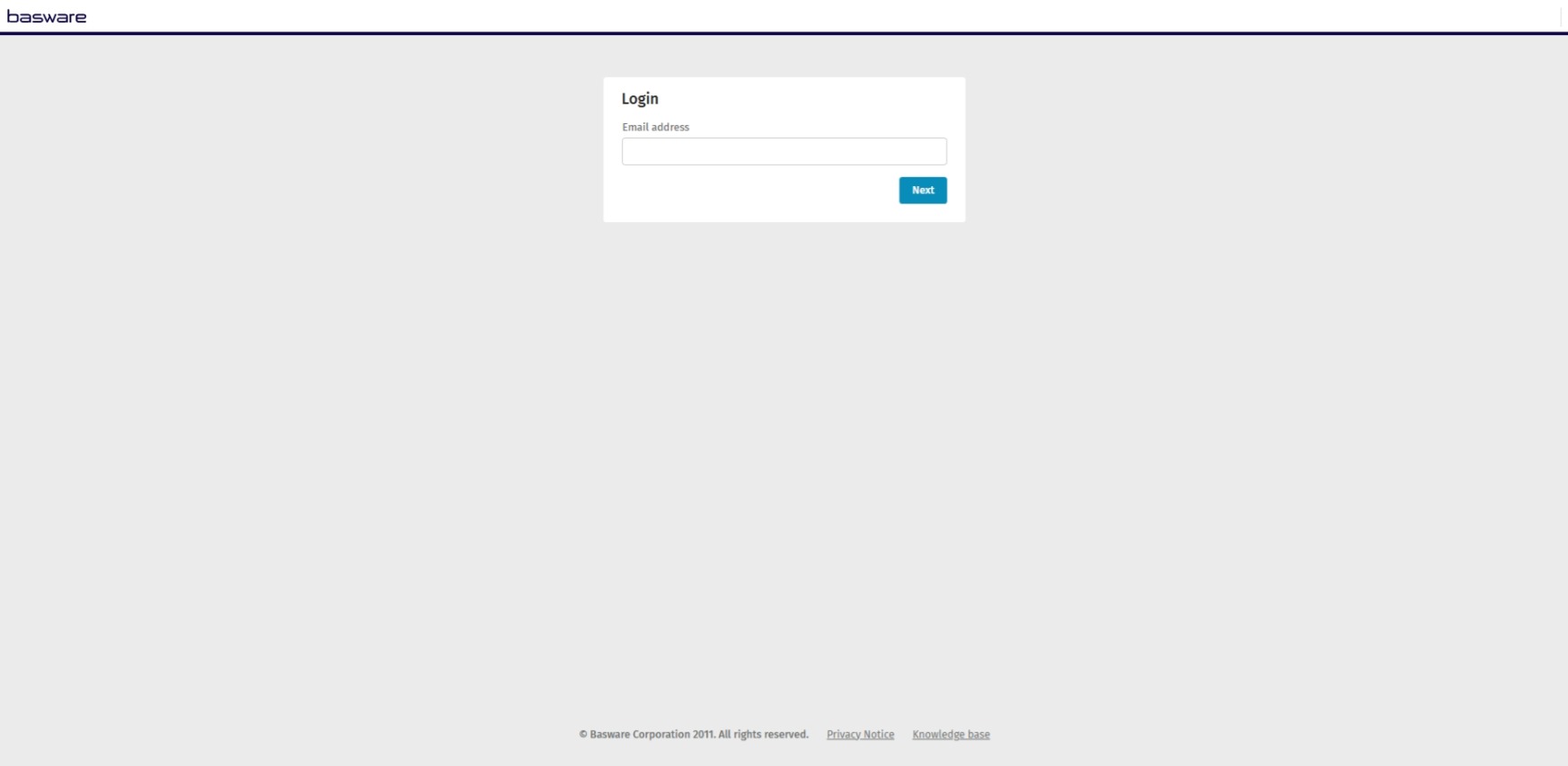
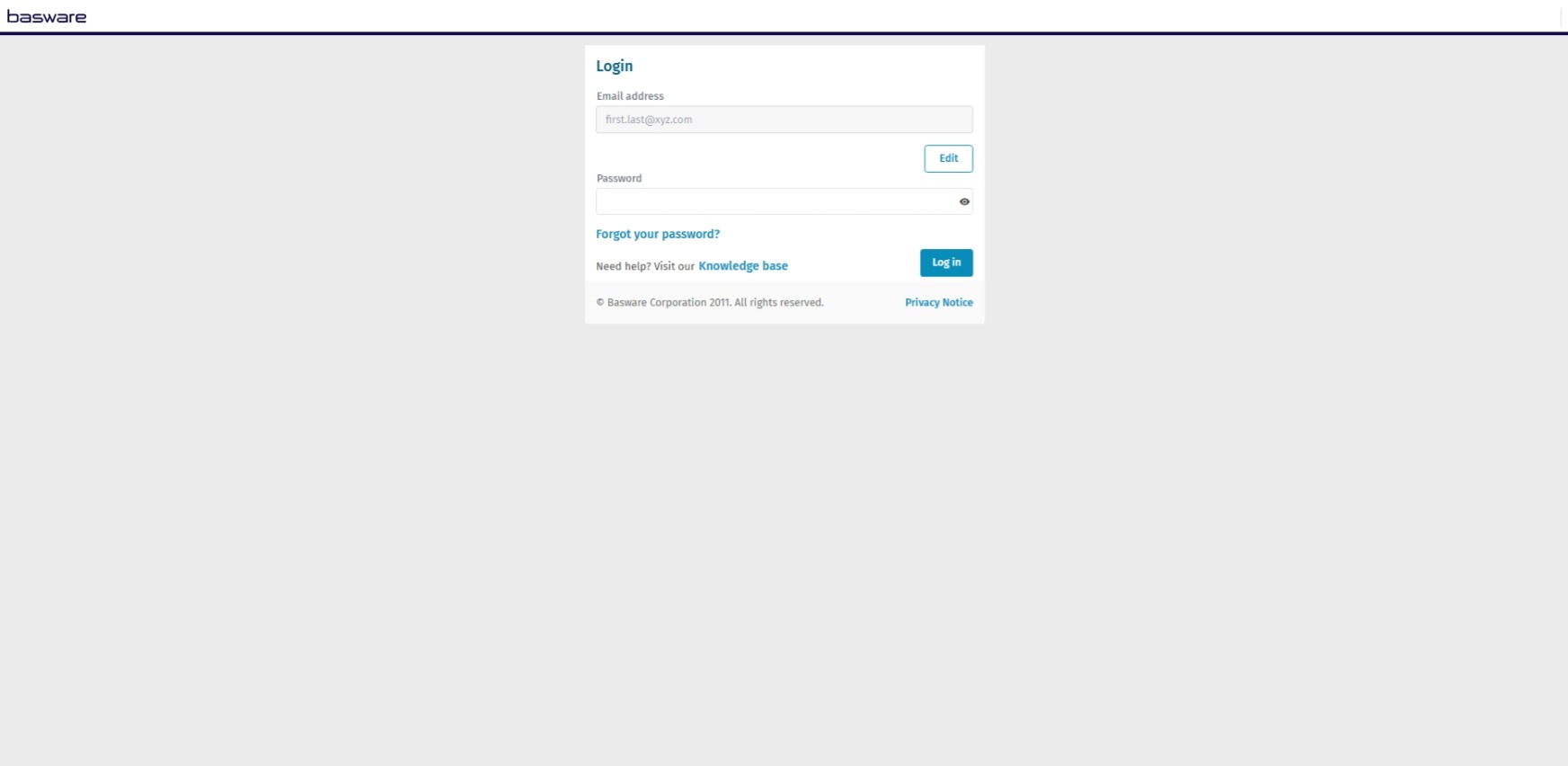
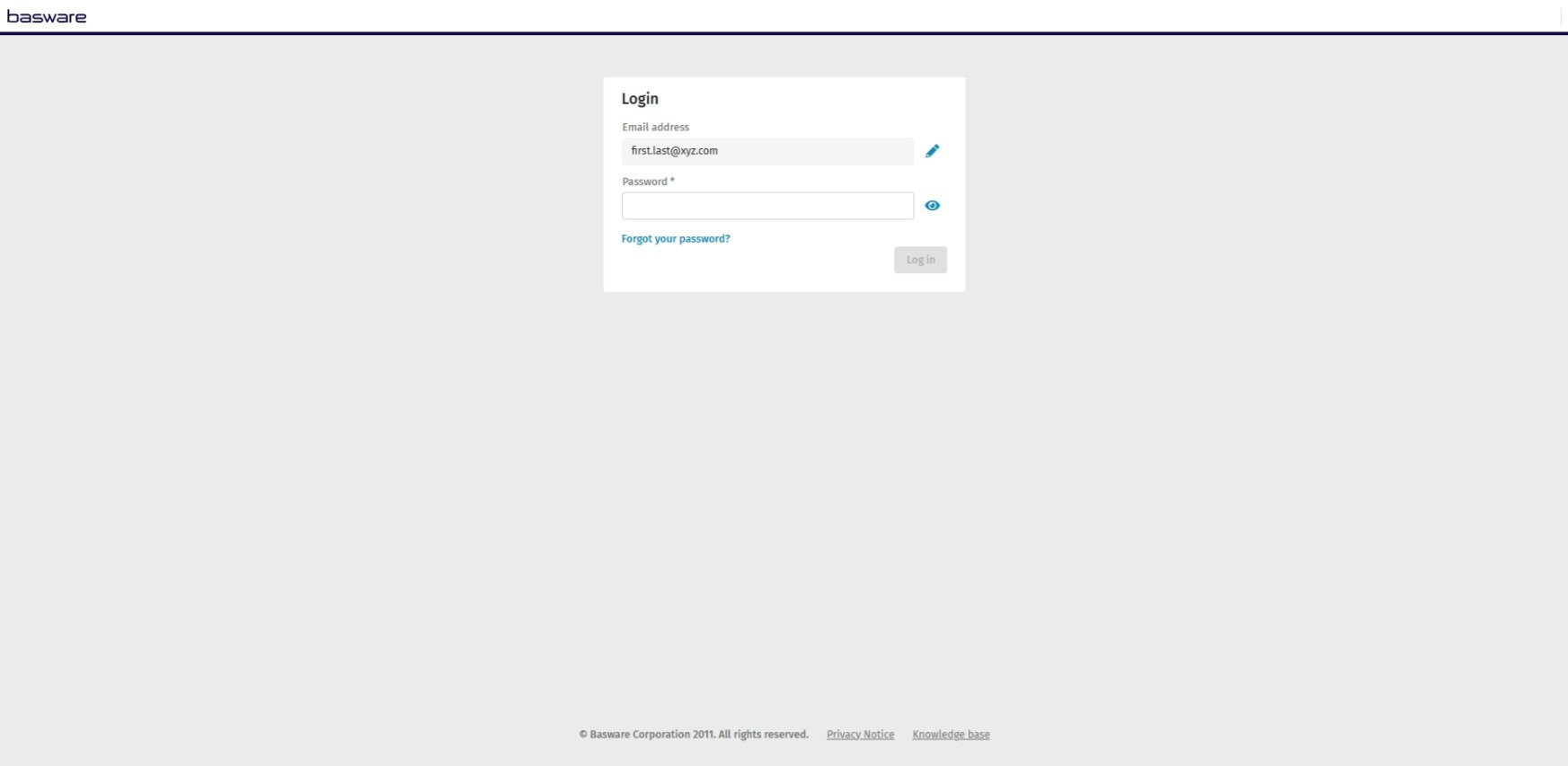
The solution uses the new harmonized UI components and improved user flow. As a result, the interface is more intuitive, enhancing user interactions.
Who benefits
All Basware, partner, and customer users benefit from this enhancement.
Where to find it
Access the modernized interface by navigating to Basware Access.
Here are some examples of the changes: